
Hoobuy bags and backpacks
Compare Hoobuy bags and backpacks by dimensions, compartments, straps and price. Check the exact listing to see whether the layout suits your daily load.
Open the exact item.
These CNY card prices are item amounts, not delivered totals. Check the selected option, current price and delivery costs on the product page.
 PradaPrada Saffiano Red Cardholder
 BurberryBurberry TB Monogram Card Holder Beige/Black
 DiorDior Classic Flap Red Card Holder
 DiorDior Dior Book Tote Card Holder Beige
 DiorDior Classic Flap Cardholder Navy Blue
 DiorDior Classic Flap Red Card Holder
 TrapstarTrapstar Shooters Royal Blue Crossbody Bag
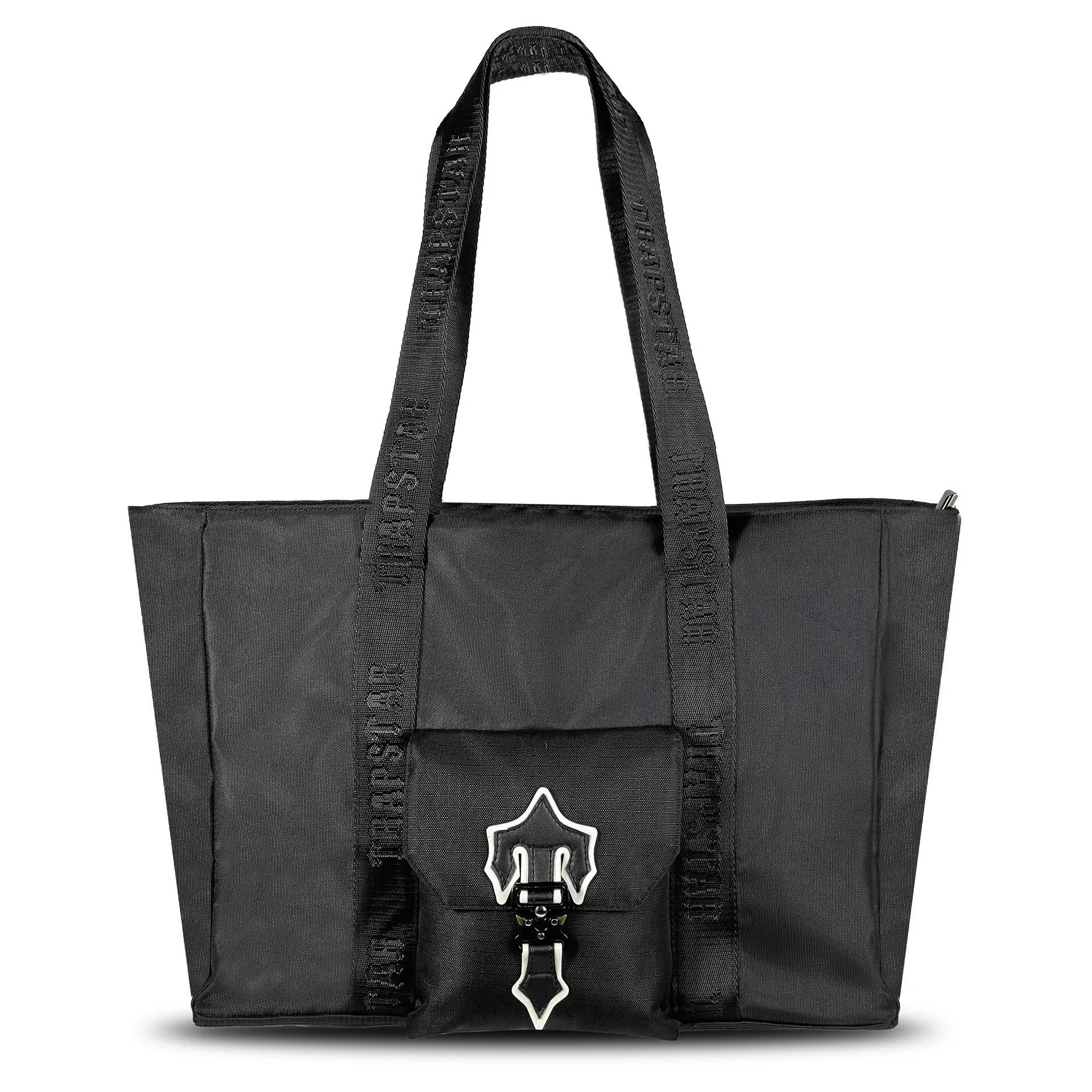 TrapstarTrapstar Shooters White Label Tote Bag Black
 TrapstarTrapstar Black Reflective Logo Crossbody Bag
 TrapstarTrapstar Black Shooters Crossbody Bag
 TrapstarTrapstar Shooters Messenger Bag Gradient Blue
 ChanelChanel Classic Flap Black Lambskin Bag
 DiorDior Pouch Backpack Black Monogram Canvas
 DiorDior Lady Dior Black & White Tote Bag
 SupremeSupreme Black Crossbody Bag
 SupremeSupreme Blue Solid Shoulder Bag
Before you choose bags.
Start with the dimensions and carrying style you need. Compare the selected bag’s exterior, interior and hardware before focusing on the listed price.
Confirm the dimensions
Compare width, height and depth with a bag you own. Check opening size as well as overall dimensions if carrying a laptop or tablet.
Review strap measurements
Check strap length, adjustability and handle drop. Model photos alone may not show how the bag will sit on you.
Inspect seams and edges
Look at corner stitching, handles and edge finishing in available close-ups. Compare both sides of the bag where photos allow.
Check hardware and closures
Review zippers, buckles, clasps and attachment points. Confirm whether removable straps or other accessories come with the selected option.
Look at the interior
Check lining, pockets, compartments and closures inside. Exterior photos do not establish interior layout or device compatibility.
Plan protective packing
Consider the shape of the bag and any rigid parts when reviewing packing options. Ask for a quote using the packed dimensions and weight.
Questions about bags.
Useful details to review before opening your next find.
How can I tell whether a bag will fit my laptop?
Compare your device dimensions with the usable compartment and opening, not just the bag’s exterior size. Allow for a sleeve or case, and check the listing for compartment measurements where available.
What should I inspect in bag QC photos?
Compare the selected color and shape, then check corners, handles, strap anchors, stitching and hardware. Interior photos help confirm the layout, while close-ups make small construction details easier to compare.
Does every bag listing include the pictured accessories?
Check the selected option and the listing’s included-items description. A strap, pouch, packaging or decorative item in a photograph may not be included with every variant.
More about bags.
Practical checks and product knowledge for this category.